Building the Future
of Intelligent
Automation

Flowtica helps modern businesses automate workflows, streamline operations.

Black and white template or blueprint for a rectangular box with folding flaps on all sides, showing cut and fold lines for assembly.
Dark-themed digital calendar widget displaying the date 'Today Oct 30' with blurred content lines and a colorful abstract blur on the right side.
Dark gray circular button with a lighter gray plus sign in the center.Red oval button with a white horizontal minus sign in the center.Dark grey circular button with a white calendar icon featuring dots and lines inside it.
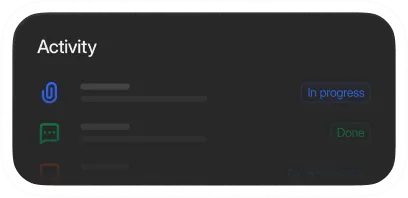
User interface section titled Activity showing two entries with status indicators: one labeled In progress in blue and one labeled Done in green, with icons representing different activities.
Close-up of the tip of a red pencil on a black background.

Everything You Need to Automate Smarter
Simplified world map with continents represented as black squares arranged in a grid pattern on a white background, connected by thin grey lines indicating network or data flow.
Feature Connect Image BackRed smiling chatbot icon with headphones inside a white circle on a dark background.Flowtica Cursor Image
Black circle with a crescent-shaped bite taken out of the right side on a white background, resembling a partially eclipsed moon or a stylized cookie.
Dark circle with a slightly lighter crescent shape on the left side, resembling a partial lunar eclipse against a black background.

Seamless App Connections

Connect Slack, HubSpot, Zendesk, Gmail, and more to keep your workflows moving automatically.
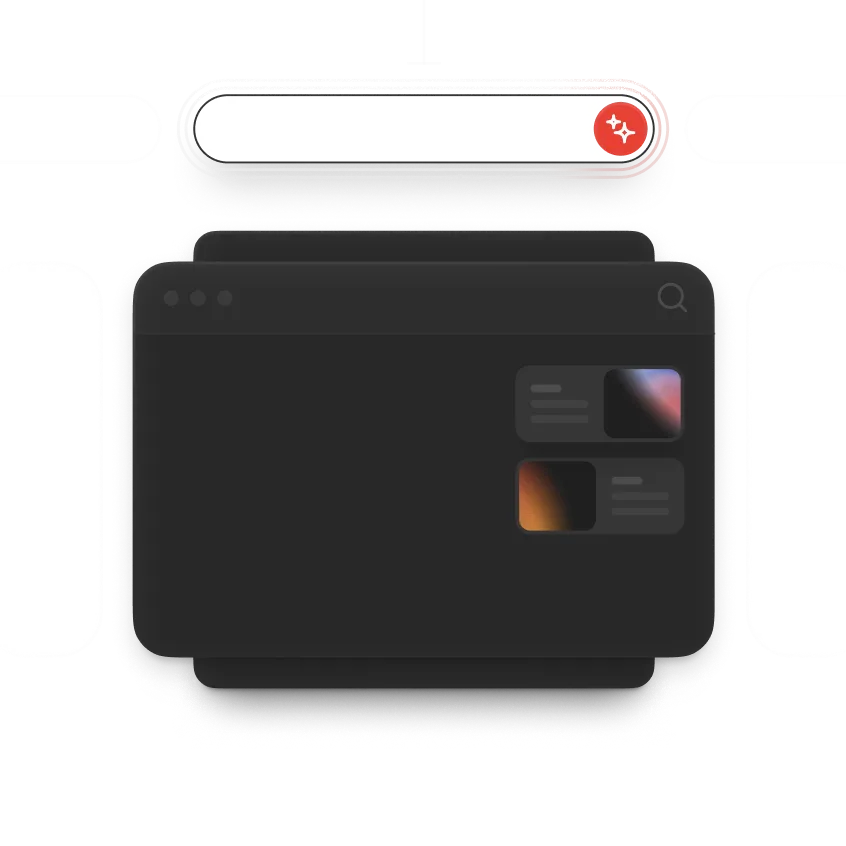
Illustration of a dark mode web browser window with a search icon in the top right corner and two content cards on the right side showing abstract color thumbnails.
Square-shaped black digital device or interface with a subtle gradient border and a button labeled 'Generate' at the bottom center.
About your project
Business gradient landing page

Prompt-Based Actions

Create records, assign tasks, send updates, and trigger workflows using simple natural language prompts.

Three stacked boxes with two curved arrows pointing downward between them, illustrating a flow or process.
Thinking AI Background ImageThinking AI Background Image
Agentic
Feature Image Border
Rounded rectangular dark button with white text that reads 'Create a new customer'.Dark rounded rectangular button with white text reading 'Email outreach'.Black rounded rectangular button with white text reading 'Customer follow-up'.Black rounded rectangle button with white text saying 'Customer follow-up'.

Visual Workflow Builder

Design powerful automation flows with drag-and-drop actions, triggers, conditions, and agent steps.

Minimalist line drawing of two horizontal rounded rectangles stacked vertically, resembling a simple database or storage icon.
Dark rectangular financial dashboard showing available payout amount of $24,678.90 with a horizontal progress bar partially filled in blue and green on the right.Financial summary showing $16,678.32 paid in green and $48,000.00 open in blue on a dark background.A dark rectangular financial summary box showing two amounts: $16,678.32 labeled Paid with a green dot, and $48,000.00 labeled Open with a blue dot.

Multi-Channel Automation

Automate emails, SMS, chat messages, and alerts across every customer and team touchpoint.
Black square grid with some squares filled solid black and others white, arranged near the center and edges within a large circular outline, featuring black dots scattered inside the circle.
Black square smartwatch face with rounded corners and a subtle gradient edge glow in orange and purple on a black strap against a black background.
Today!
Gray padlock icon with a circular keyhole in the center.
Red rectangular button with rounded edges and white text that reads 'Unlock reward'.

Human Approval Controls

Add approval layers before key actions to maintain control, improve accuracy, and reduce workflow risks.

Everything inside Portfolio Intelligence

Feature Logo Background
1

Predictive AI engine

AI analyzes historical data and live market signals to identify portfolio risks.

Feature Logo Background
2

Dynamic risk scoring

Continuously evaluates portfolio exposure and updates risk levels.

Feature Logo Background
3

Smart rebalancing

AI suggests portfolio adjustments to maintain optimal asset allocation.

Feature Logo Background
4

Event-driven alerts

Receive notifications when market events impact your holdings.

Feature Logo Background
5

Correlation shield

Detect hidden correlations between assets that may increase risk.

Feature Logo Background
6

Language explanations

Understand AI insights through simple explanations designed for investors.

Launch AI Workflows in Three Simple Steps

A dark rectangular folder icon with rounded corners containing two smaller rounded squares: the left square shows a blurred multicolored gradient with blue and orange hues, and the right square is a plain dark gray with a faint horizontal line near the top.A dark interface screen with a red circular icon containing a white pi symbol, some blurred text, and a green label that says 'Updated'.

1. Choose a Workflow Trigger

Start your automation with an event, action, or scheduled trigger that activates the action workflow instantly.


Feature Image Background Border
Feature Logo Background
Feature Image Border

2. Integrate Your Favorite Tools

Connect Flowtica with your CRM, email platforms, Slack, project tools, and business applications seamlessly.

Black and white template or blueprint for a rectangular box with folding flaps on all sides, showing cut and fold lines for assembly.
Dark-themed digital calendar widget displaying the date 'Today Oct 30' with blurred content lines and a colorful abstract blur on the right side.
Dark gray circular button with a lighter gray plus sign in the center.Red oval button with a white horizontal minus sign in the center.Dark grey circular button with a white calendar icon featuring dots and lines inside it.
User interface section titled Activity showing two entries with status indicators: one labeled In progress in blue and one labeled Done in green, with icons representing different activities.

3. Automate Tasks with AI

Let Flowtica handle repetitive tasks, execute actions automatically, and streamline your operations in real time.

Transform Your Workflows With Flowtica

Automate repetitive tasks, connect your favorite tools, and let intelligent AI agents handle operations while your team focuses on growth and innovation.


Black background with numerous small white dots resembling distant stars in space.
Black and white pattern with three horizontal rows of black squares separated by white grid lines, and one centered white square in the middle row.